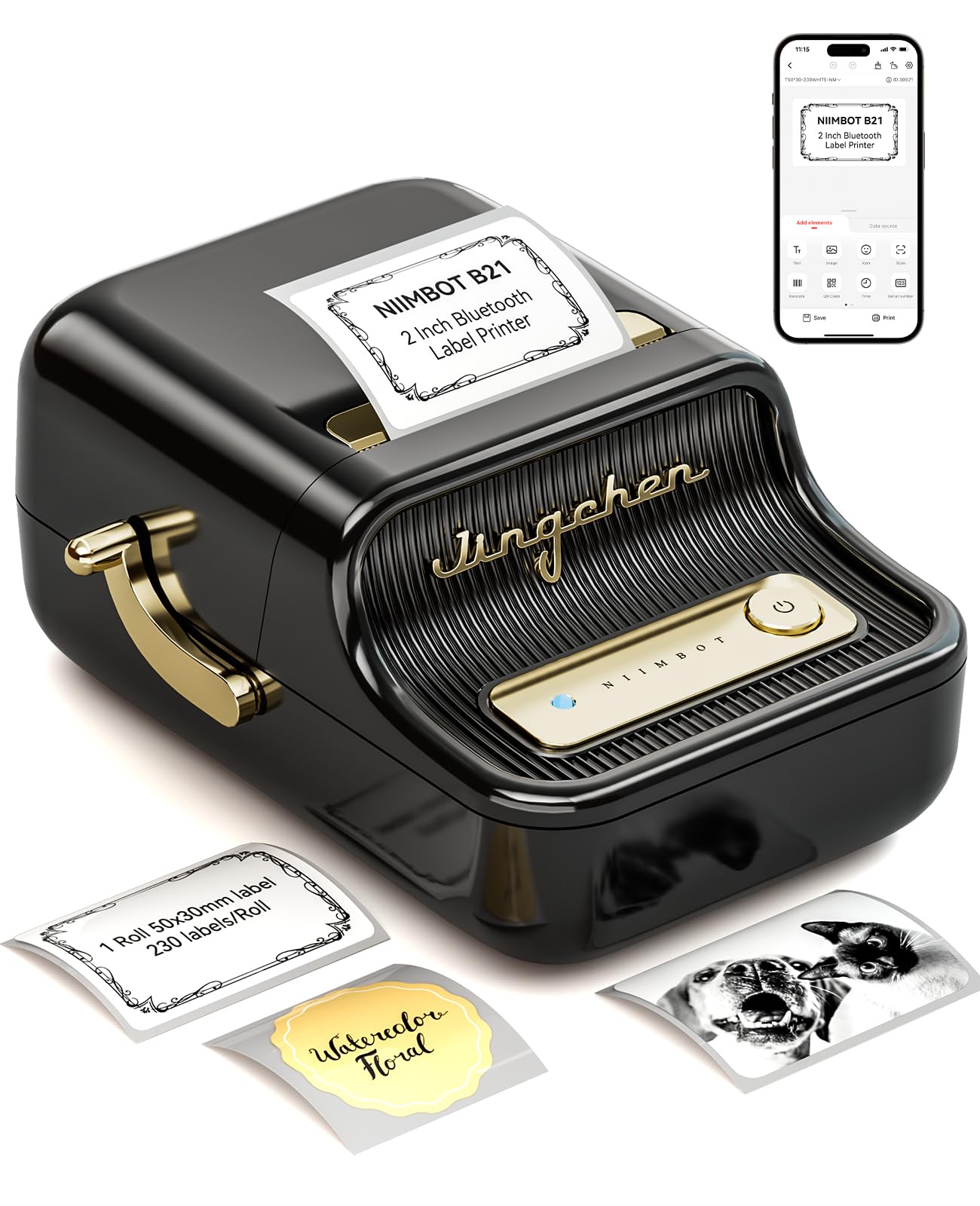
The NIIMBOT B21 is a Bluetooth thermal label maker built for varied small labeling jobs, from jars and gifts to retail tags and addresses.
This review niimbot b21 looks at its flexible label widths, app tools, and the tradeoffs of a phone-centered, inkless workflow.
NIIMBOT B21 Review Summary
The quick verdict
1,000+ ratings
Read Amazon ReviewsNIIMBOT B21
A compact thermal label maker for phone-based labeling at home, for crafts, or in a small business.
- Prints on labels from 0.8 to 2 inches wide, with a maximum label width of 2 inches.
- Uses direct thermal printing, so there is no ink, toner, or carbon tape to replace.
- Connects to the NIIMBOT app over Bluetooth for label creation and printing.
- The app includes automatic template matching, more than 20 fonts, and over 1,000 image materials.

Pros
- The wide range of supported label widths helps cover several small-label use cases with one printer.
- App tools include batch printing and code support, useful for repeatable product or inventory labels.
Consider before buying
- Creating and managing labels depends on a Bluetooth-connected phone and the NIIMBOT app.
- The maximum supported width is 2 inches, so buyers needing larger shipping labels should choose a printer designed for that format.
Read the full review summary
The B21 combines a 2-inch format with support for label widths from 0.8 to 2 inches, giving it room for more than narrow household identification strips.
Its companion app offers templates, fonts, image materials, image recognition, and batch printing, so the workflow can accommodate both quick labels and more involved designs.
It is best suited to people who already expect to create labels on a phone and want one device for home organization, crafts, or small-business tags.
Thermal printing removes the need for ink, toner, or carbon tape, while the stated battery runtime is up to four hours; the practical fit depends on the labels you plan to make and whether the app-based process suits you.
The buying factors
NIIMBOT B21 Scorecard
Editorial scores reflect listed features and buyer fit; they are not laboratory measurements or customer ratings.
Label-width flexibility
The 0.8-to-2-inch range supports a useful variety of small labeling tasks.
App design tools
Templates, more than 20 fonts, over 1,000 image materials, and image recognition give users several ways to build labels.
Batch-work support
Excel batch printing and barcode tools suit repeated or structured label jobs.
Mobile workflow
Bluetooth connection and label creation through the NIIMBOT app are geared to phone use.
Running-cost simplicity
Direct thermal printing avoids ink, toner, and carbon tape; label paper remains the consumable.
Battery convenience
A charge is specified for up to four hours of work, with automatic shutdown after a 15-minute pause.
Key Features and Specifications of NIIMBOT B21
- Prints on labels from 0.8 to 2 inches wide, with a maximum label width of 2 inches.
- Uses direct thermal printing, so there is no ink, toner, or carbon tape to replace.
- Connects to the NIIMBOT app over Bluetooth for label creation and printing.
- The app includes automatic template matching, more than 20 fonts, and over 1,000 image materials.
- Supports image recognition, Excel batch printing, and scanning and identifying 1D and 2D codes.
- A charged battery is specified to support up to four hours of work; the printer shuts down automatically after 15 minutes paused.
Pros and Cons of NIIMBOT B21
Pros
- The wide range of supported label widths helps cover several small-label use cases with one printer.
- App tools include batch printing and code support, useful for repeatable product or inventory labels.
- Thermal printing simplifies supplies by removing the need for ink, toner, or carbon tape.
- Image recognition can turn text in photos into editable text within the label workflow.
Consider before buying
- Creating and managing labels depends on a Bluetooth-connected phone and the NIIMBOT app.
- The maximum supported width is 2 inches, so buyers needing larger shipping labels should choose a printer designed for that format.
- Thermal printing still requires label paper, so buyers should check that the available label stock suits their intended use.
Who Should Buy NIIMBOT B21?
Good fit
Consider the B21 if you need a versatile printer for smaller labels and expect to use a phone as your design workspace.
The 0.8-to-2-inch media range, app templates, and image tools can serve projects such as jar labels, crafts, addresses, barcode tags, and small retail labeling.
It is also a reasonable fit when you print repeated information: Excel batch printing and code scanning and identification may reduce repetitive setup.
Before buying, map your common label dimensions to the supported range and confirm that the app workflow and thermal label supplies fit your routine.
For occasional labeling, the battery-powered design and inkless process keep the setup straightforward. Treat the four-hour figure as an upper limit and plan around charging if you expect longer work sessions.
Who should skip it
Skip this model if your routine requires labels wider than 2 inches, including standard 4-by-6-inch shipping labels. Its stated maximum is intended for smaller-format tasks.
Choose another workflow if you need to design and print from a computer or want a printer that does not rely on a phone app and Bluetooth connection.
NIIMBOT B21 Review: How Its Design Fits Real Labeling Jobs
Width shapes the jobs it can handle
Support for widths between 0.8 and 2 inches places the B21 in the small-label category.
That span covers compact identification and product tags, but buyers should measure their intended label layout before purchasing, especially when the label must hold longer addresses or detailed information.
App tools support both one-off and repeated labels
The app combines templates and design materials with image recognition and Excel batch printing.
Those features make the printer more adaptable than a device limited to typing a short line of text, while still keeping the work centered on a mobile app.
Buyers who plan recurring batches should consider how their spreadsheet content maps to their label designs.
Thermal printing changes the supply routine
Direct thermal output avoids ink, toner, and carbon tape. Label paper remains necessary, so ongoing convenience depends on having suitable refill stock available for the sizes and tasks you use.
The description does not establish how a particular label material will hold up in a given setting, so match the paper to the job.
Battery life favors shorter sessions
The stated runtime is up to four hours, and automatic shutdown after a 15-minute pause is designed to conserve power.
This suggests a portable setup for intermittent batches; frequent or longer sessions may call for keeping charging in mind.
Alternatives to NIIMBOT B21
Desktop Label Printers alternative
6,000+ ratings
Read Amazon ReviewsPhomemo M110
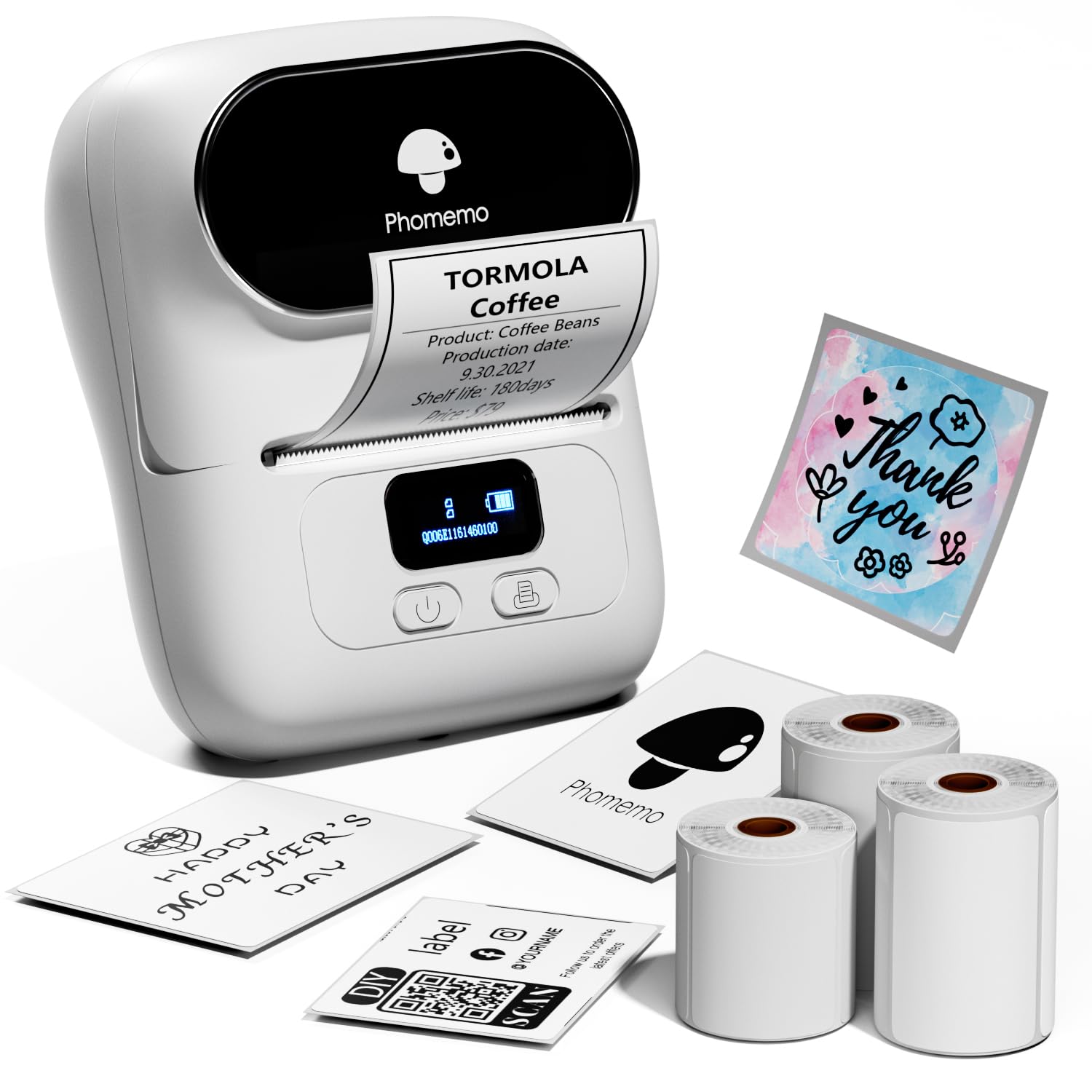
Consider the M110 if the included variety of label sizes and repeated printing are priorities. The B21 is a fit when its broader stated lower-to-upper width range and NIIMBOT app tools better match your planned designs.
- The Phomemo M110 supports widths from 20 to 50 mm, connects by Bluetooth, and uses the Print Master app.
- Its supplied package includes three label sizes, and it supports repeated printing of identical labels.
- The NIIMBOT B21 supports label widths from 0.8 to 2 inches and uses the NIIMBOT app for Bluetooth label creation.
Desktop Label Printers alternative
14,000+ ratings
Read Amazon ReviewsNIIMBOT D110
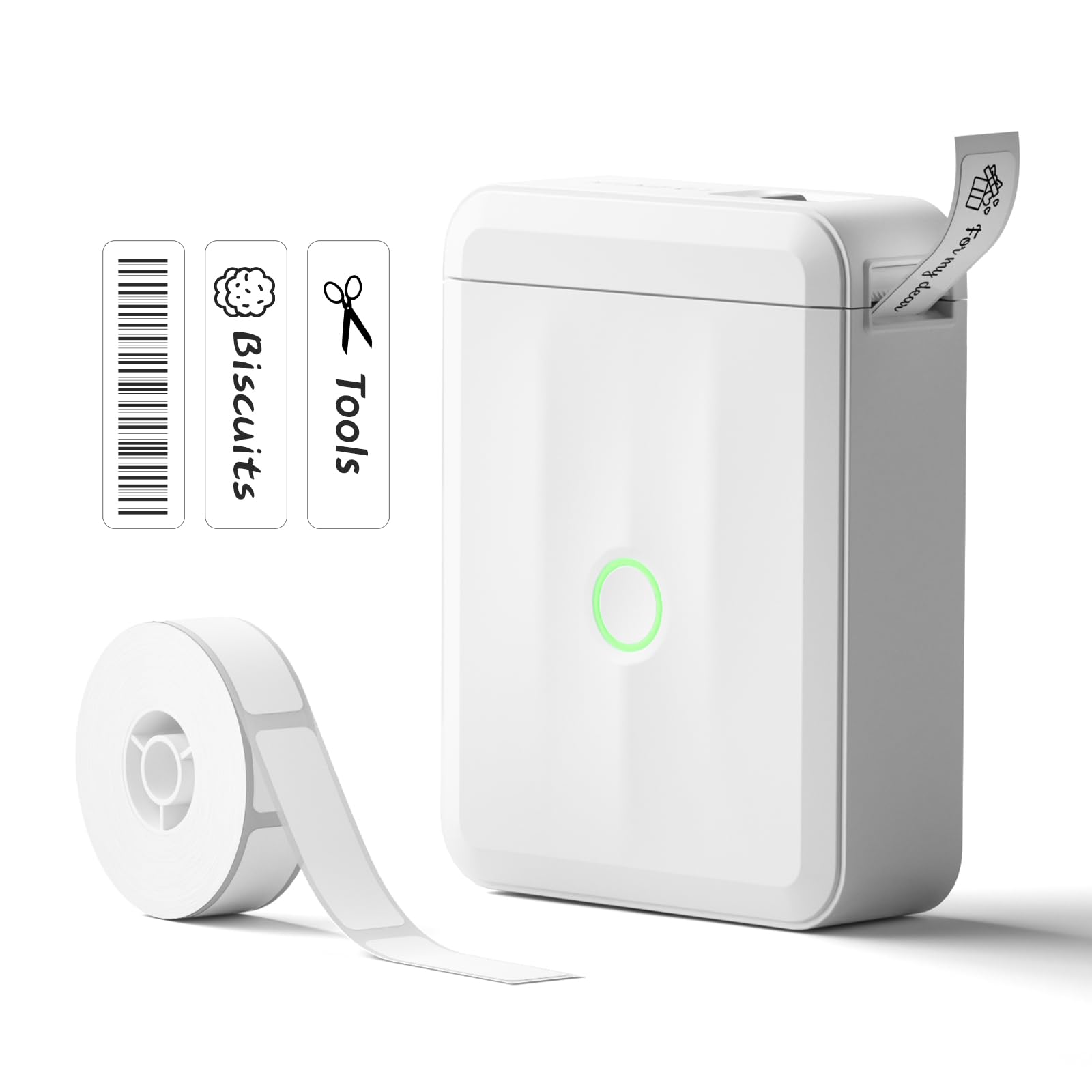
Choose the D110 if your work mainly involves basic household, school, or office labels and a smaller device is the priority.
The B21 better fits buyers who need the stated 2-inch maximum width and want its listed image-recognition tools.
- The NIIMBOT D110 is a smaller-format model described for home, school, and office organization.
- It supports batch printing and phone use through the NIIMBOT app, but its description says it does not work with computers.
- The B21 supports labels up to 2 inches wide and offers image recognition and Excel batch printing through its app.
Is NIIMBOT B21 Worth It?
The NIIMBOT B21 is worth considering for buyers who need a phone-driven thermal printer for varied small labels. Its 0.8-to-2-inch range, design app, and batch-oriented tools give it a practical role in home projects and small-business tasks.
Check your label dimensions and workflow first: the 2-inch maximum and mobile-app approach define its fit, and thermal printing still requires label stock.
If those constraints suit your routine, the B21 offers a flexible way to make small labels without managing ink or toner.
Your review at a glance
1,000+ ratings
Read Amazon ReviewsNIIMBOT B21
A compact thermal label maker for phone-based labeling at home, for crafts, or in a small business.
- Prints on labels from 0.8 to 2 inches wide, with a maximum label width of 2 inches.
- Uses direct thermal printing, so there is no ink, toner, or carbon tape to replace.
- Connects to the NIIMBOT app over Bluetooth for label creation and printing.
- The app includes automatic template matching, more than 20 fonts, and over 1,000 image materials.